
Print Custom Forms
Custom Forms reduces the amount of time required for a patient to receive clinical care, eliminate the need for paper printing and storage, eliminate paper mistakes and mishandling, and reduce office staff's time administering paperwork so they can focus on keeping the practice profitable and full of patients. System administrators can create custom forms to send to patients through the Patient Intake workflow. The front office staff can choose which forms to send to the patient when scheduling an appointment or print the forms for patients to complete in office.
Access Patient IntakeThis workflow is for printing custom forms. To print the standard profile forms, click the print icon.
|
 |
Print Custom Form
|
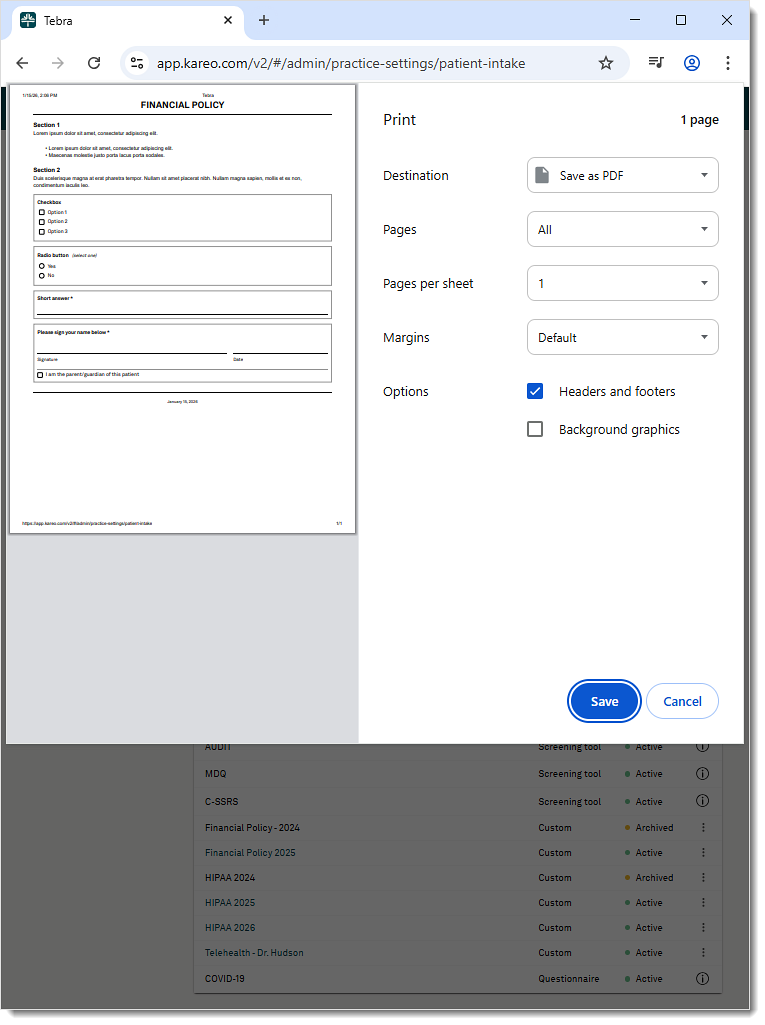 |